Build and deploy
Deploying Gram Functions is as simple as writing them. Deploying uploads your code to Gram and creates the tools you’ve defined. You can then take advantage of all that the Gram platform offers for hosting your tools as MCP servers, combining them into toolsets, building multi-tool workflows, and more.
Note
Your functions do not need to be organized as a single MCP server. They are deployed to Gram as individual tools that you can split apart or combine into MCP servers in the Gram dashboard.
Build
To build your tools, run the following command:
npm run buildThis compiles your tools into a zip file that can be deployed to Gram.
Deploy
To deploy your tools to Gram, run the following command:
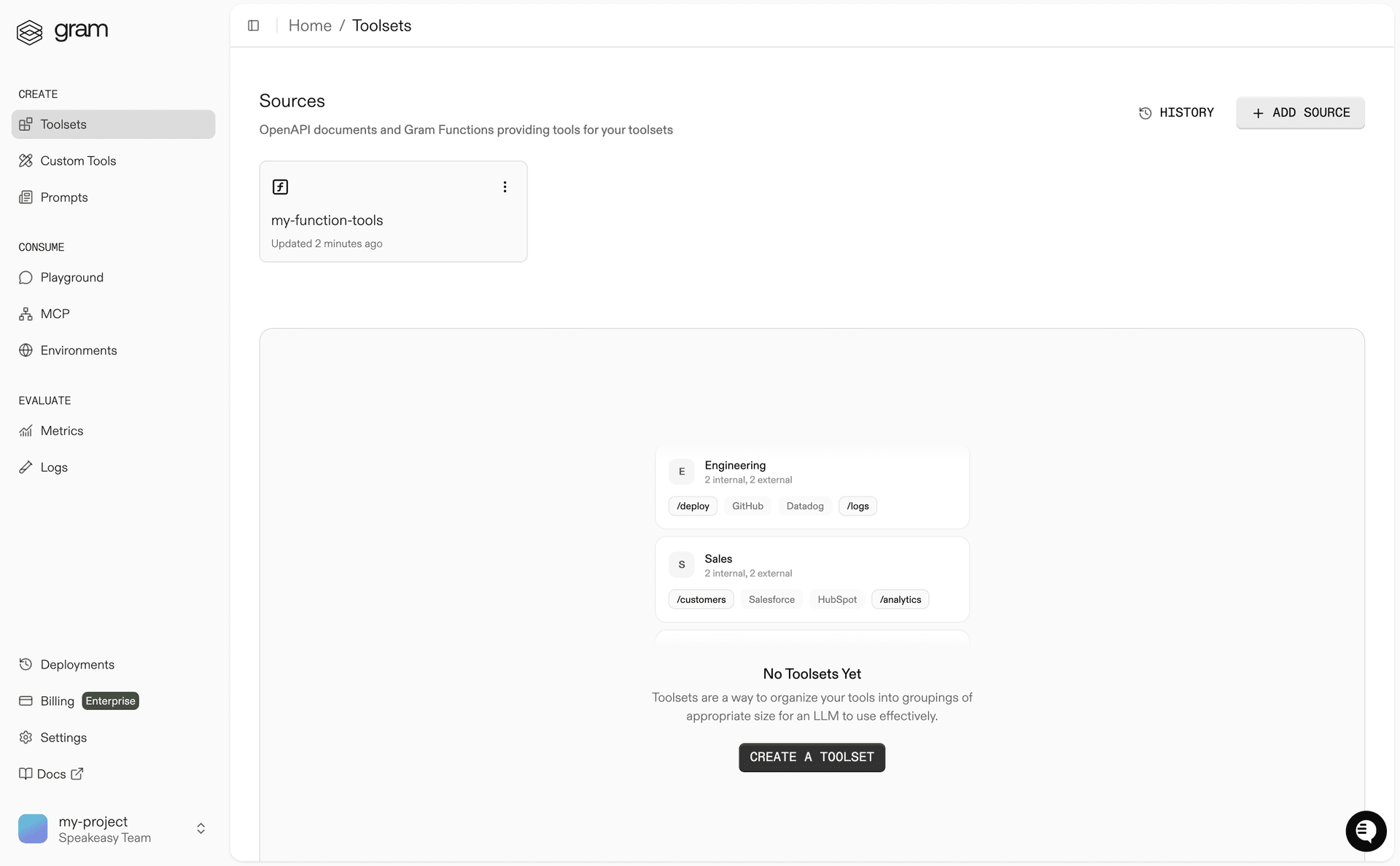
npm run pushThis uploads your tools to Gram and creates the tools you’ve defined. In the Gram dashboard , you will see the function source you just uploaded and the tools it created.
Next steps
Now that you’ve deployed your tools, you can start using them in MCP servers, combine them into toolsets, build multi-tool workflows, and more. Head to the Build MCP documentation to learn more.
Last updated on